
Appearance
Account Management
The Account Management component allows you the ability to manage your billing information for your particular domain. During the onboarding process - entering credit card details will allow you to set your domains to 'active' and the ability to begin mailing. Visa, MasterCard, American Express, and Discover are all accepted.
Onboarding
To begin mailing, you must either create a new domain within your client or if one already exists enter your credit card billing details. 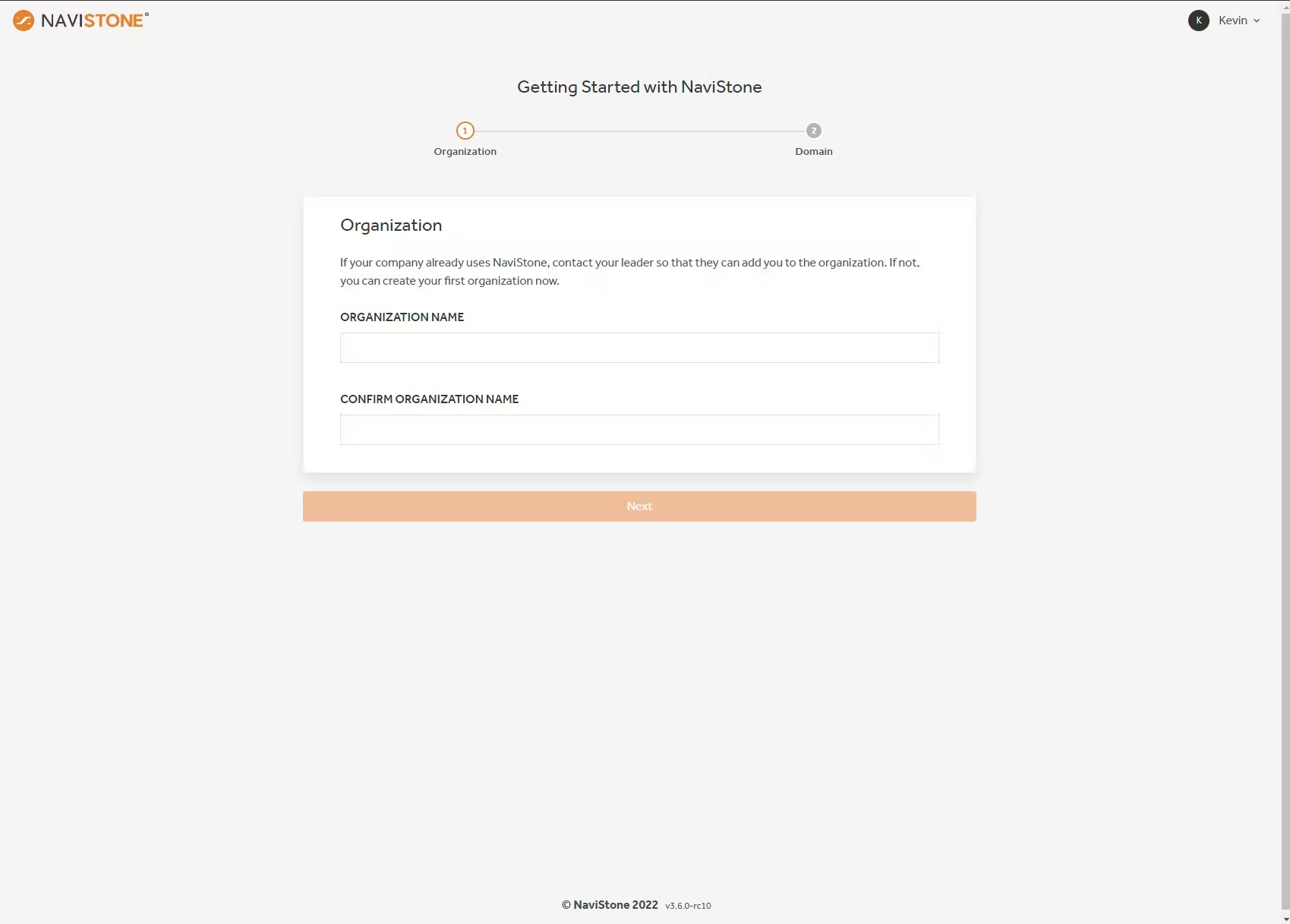
Let's explore these steps here:
Create a new domain
Upon signing into Iris depending on whether you are a newly signed-up user or returning you will be presented with either one of the following screens:
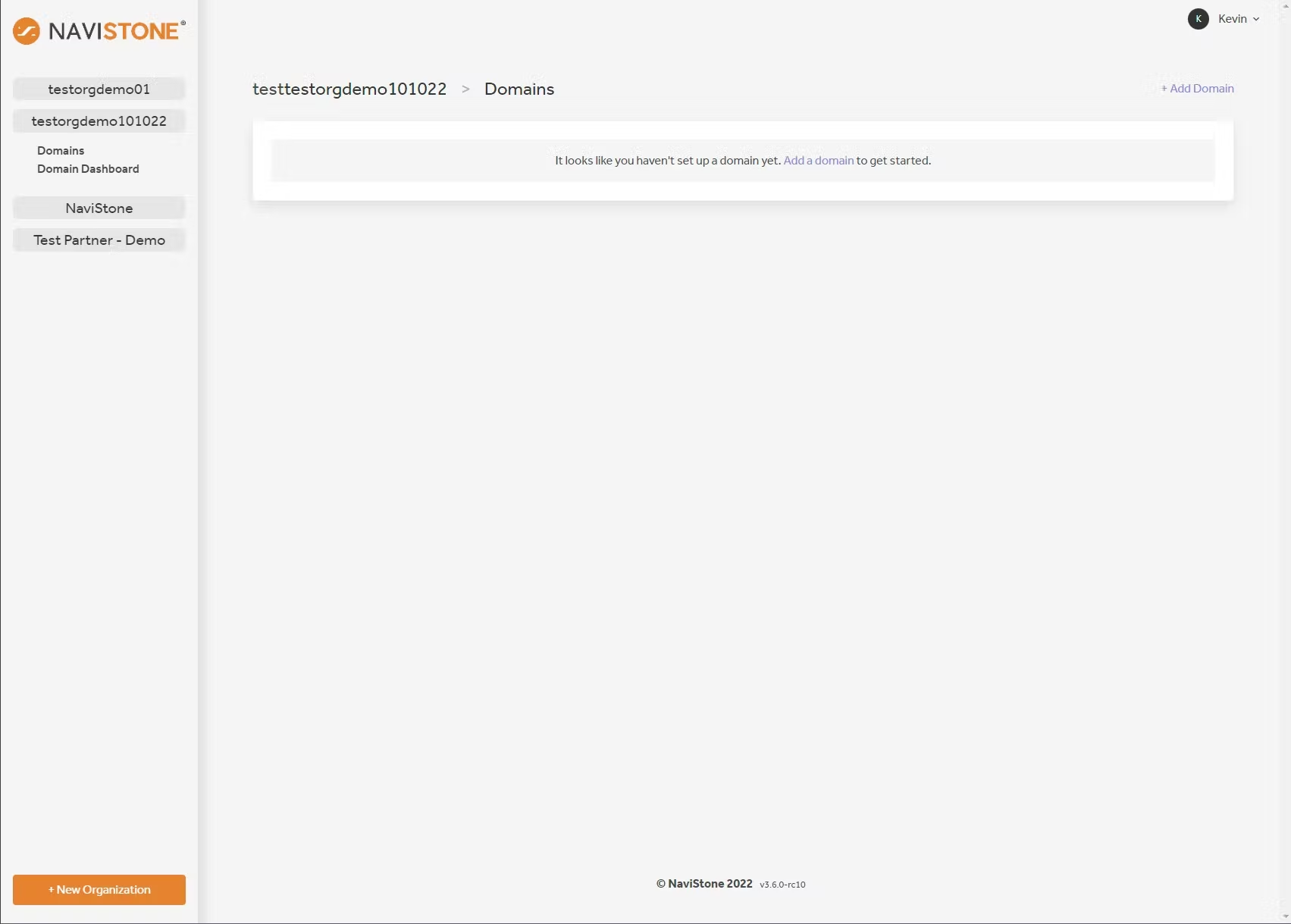 New Users
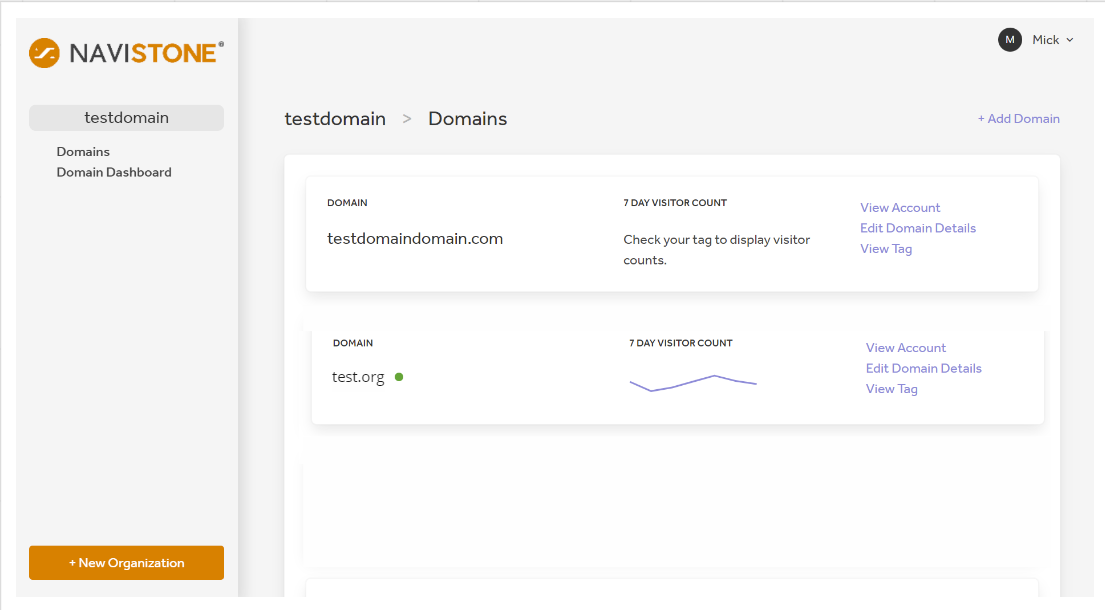 Returning Users
Adding your credit card details
Navigate to Domain Details then click the three dots in the upper right hand corner to select View Account, click edit payment. If there is already a payment method there, you can edit by selecting Edit Payment on the right hand side. 
Domain Activation
You may now activate your domain by clicking the three dots in the upper right hand corner to select Edit Domain Details, find Domain Status and click the toggle to activate, press save before closing the pop up.